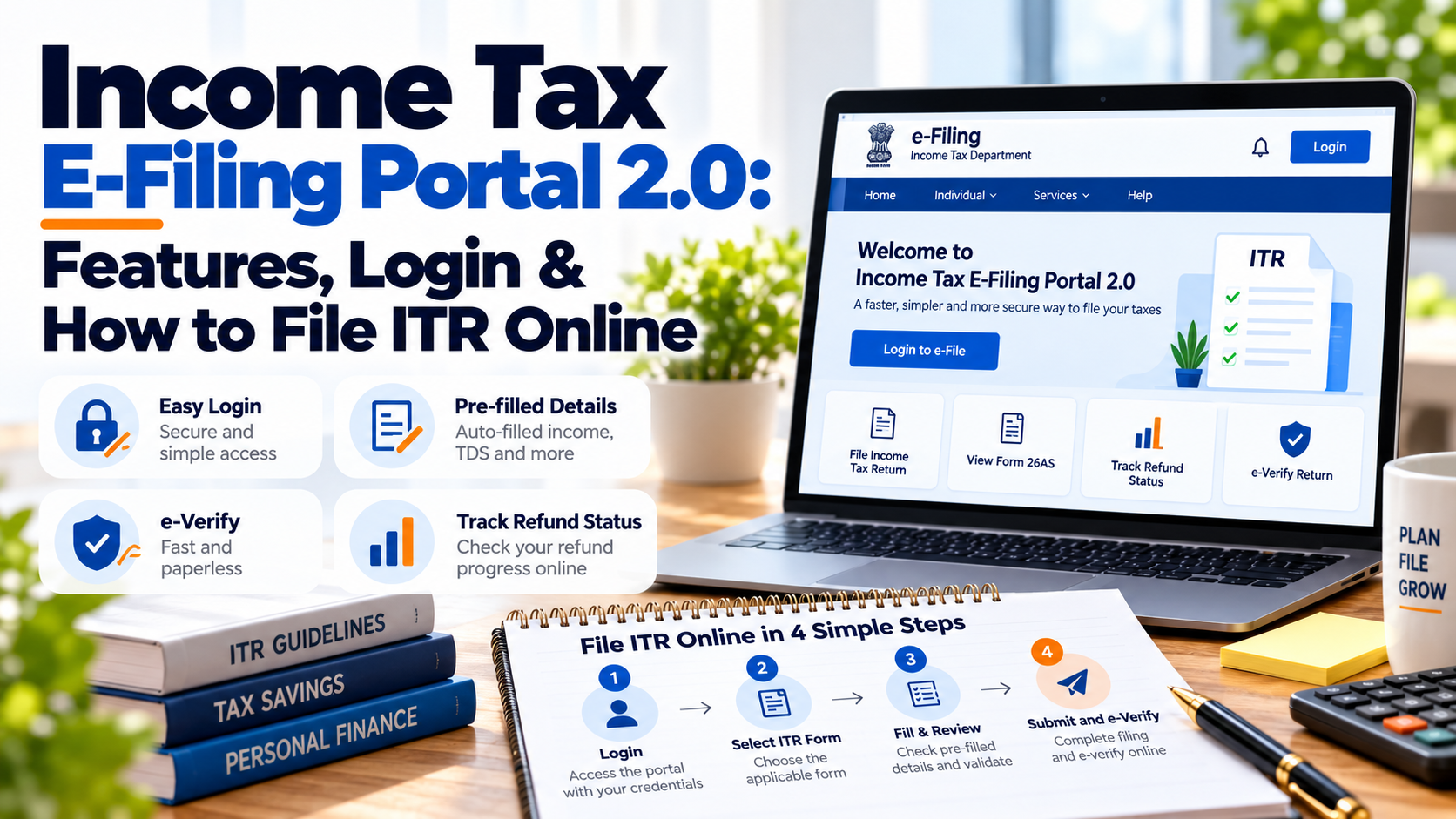
Filing an income tax return no longer requires visiting a tax office or submitting paperwork manually. The Income Tax Department’s e-Filing Portal provides taxpayers with online access to ITR filing, tax payments, AIS, Form 26AS, notices, refunds and other services. With its dashboard and digital services, taxpayers can manage many tax-related tasks from one place.
In this blog, we will cover the Income Tax E-Filing Portal 2.0, its key features, registration and login process, how to file an ITR online, e-Verification, ITR status and important safety tips.
What Is the Income Tax E-Filing Portal 2.0?
The Income Tax e-Filing Portal is the official online platform of the Income Tax Department for filing income tax returns and accessing various tax-related services.
The portal allows registered users to file returns and forms, view filed returns, access the Annual Information Statement (AIS), check Form 26AS, make tax payments, respond to pending actions and access other services.
The term “e-Filing Portal 2.0” is commonly used to refer to the newer-generation e-filing experience introduced by the department. For taxpayers, the important point is to use the official Income Tax e-Filing Portal for tax-related activities.
Key Features of the Income Tax E-Filing Portal
The portal provides several services through the taxpayer dashboard, including:
- Filing income tax returns
- Viewing previously filed returns
- e-Verification of ITRs
- Viewing Form 26AS
- Accessing AIS
- Filing income tax forms
- Paying taxes through e-Pay Tax
- Viewing pending actions
- Responding to e-Proceedings and notices
- Filing rectification requests
- Raising and tracking grievances
- Accessing taxpayer profile information
The dashboard provides links to these services through sections such as e-File, Services, AIS, Pending Actions, Grievances and Help.
How to Register on the Income Tax E-Filing Portal
If you are using the portal for the first time, you need to register before accessing most post-login services.
Generally, you need:
- A valid and active PAN
- Valid mobile number
- Valid email ID
The basic registration process is:
- Visit the official Income Tax e-Filing Portal.
- Select Register.
- Choose the taxpayer registration option.
- Enter and validate your PAN.
- Provide the required personal details.
- Complete the required verification through your registered contact details.
- Create your login credentials.
The Income Tax Department's registration guidance confirms that a valid PAN, mobile number and email ID are required for taxpayer registration.
How to Login to the Income Tax E-Filing Portal
Once registered:
- Visit the official e-Filing Portal.
- Click Login.
- Enter your PAN or applicable user ID.
- Enter your password.
- Complete the applicable authentication step.
- Access your taxpayer dashboard.
Depending on the account and security settings, the portal supports different login and authentication methods, including password-based login, Aadhaar OTP, net banking, bank/demat EVC and DSC in applicable cases. (Income Tax Department)
How to File ITR Online
The portal allows eligible taxpayers to file their income tax returns online.
Step 1: Log in
Sign in to your Income Tax e-Filing account.
Step 2: Select ITR Filing
Go to the income tax return filing section and select the relevant assessment year.
Step 3: Select the ITR Form
Choose the ITR form applicable to your income sources and taxpayer category.
Step 4: Review Pre-Filled Information
Check the information already available in the return and compare it with your records.
Pay particular attention to:
- Salary or business income
- Interest income
- TDS
- Capital gains
- Deductions
- Bank details
Step 5: Enter and Verify Details
Fill in the required information and review the tax calculation before submitting the return.
Step 6: Submit and e-Verify
After submitting the return, complete the verification process within the prescribed timeline. The Income Tax Department provides multiple e-Verification methods, including Aadhaar OTP, EVC through a pre-validated bank or demat account, net banking and DSC, depending on eligibility. (Income Tax Department)
Why Should You Check AIS and Form 26AS Before Filing?
Pre-filled information makes online filing easier, but taxpayers should not blindly accept every figure.
Before submitting your ITR, compare your return with:
- Form 16, if applicable
- Form 26AS
- Annual Information Statement (AIS)
- Taxpayer Information Summary (TIS)
- Bank statements
- Investment records
- Capital-gains statements, where applicable
The purpose is to identify discrepancies before filing rather than discovering them after the return has been submitted.
How to Check ITR Status Online
After filing your return, you can track its status through the e-Filing Portal.
The status can help you determine whether the return has been:
- Filed
- e-Verified
- Processed
- Selected for further action, where applicable
- Linked to a refund or outstanding demand
The portal also provides services for viewing filed returns and completing pending actions. (Income Tax Department)
What Is e-Verification and Why Is It Important?
Submitting an ITR is not the final step. The return must also be verified through an approved method.
The Income Tax Department states that e-Verification is used to complete the return-filing process. If verification is not completed within the applicable time, the return can be treated as invalid unless the prescribed procedure for delayed verification is followed. (Income Tax Department)
Taxpayers can generally verify through:
- Aadhaar OTP
- Bank account EVC
- Demat account EVC
- Net banking
- Digital Signature Certificate, where applicable
Common Problems While Using the Portal
Taxpayers may encounter issues such as:
- Incorrect login credentials
- OTP or authentication problems
- Mismatches in AIS or Form 26AS
- ITR validation errors
- Problems with e-Verification
- Pending actions or notices
- Incorrect profile information
If you face an issue, first check the official help section and relevant user manual. The Income Tax Department also provides taxpayer support through its helpdesk. (Income Tax Department)
Safety Tips for Using the Income Tax E-Filing Portal
Taxpayers should take a few basic precautions:
- Use only the official Income Tax Department website.
- Never share your password or OTP with anyone.
- Check the website address before entering PAN or banking information.
- Keep copies of filed ITRs and acknowledgement numbers.
- Save important tax-payment and e-Verification records.
- Do not click on suspicious links claiming to offer tax refunds.
Conclusion
The Income Tax e-Filing Portal has made many tax-related activities accessible online, from filing ITRs and checking AIS to making tax payments and responding to notices.
However, online filing does not remove the need to verify your information carefully. Checking Form 26AS, AIS, TIS, and supporting financial records before submitting your return can help reduce errors. After filing, completing e-Verification and keeping the acknowledgement safely are equally important.
If you need help with ITR filing, tax compliance or resolving filing-related issues, FinSpyne can provide practical professional assistance to help you manage your tax responsibilities with greater confidence.
Frequently Asked Questions About Income Tax E-Filing Portal 2.0
What is the Income Tax E-Filing Portal 2.0?
The Income Tax E-Filing Portal is the official online platform of the Income Tax Department for filing Income Tax Returns and accessing various income-tax services. Taxpayers can use the portal to file returns, view filed returns, e-Verify returns, access the Annual Information Statement (AIS), pay taxes, respond to certain pending actions and use other available services.
Can I file my ITR online through the Income Tax E-Filing Portal?
Yes. Eligible taxpayers can file their applicable Income Tax Return online through the e-Filing Portal. For AY 2026–27, applicable ITR forms can be filed using the available online or offline utilities, depending on the taxpayer's eligibility and the applicable ITR form.
How can I log in to the Income Tax E-Filing Portal?
Taxpayers can access the official Income Tax E-Filing Portal and select the Login option. After entering the required user credentials and completing the applicable authentication process, they can access their e-Filing dashboard and available services.
What are the key features of the Income Tax E-Filing Portal 2.0?
The Income Tax E-Filing Portal provides several online services, including ITR filing, e-Verification, ITR status tracking, Annual Information Statement (AIS) access, Form 26AS, e-Pay Tax, viewing filed returns, downloading ITR-related documents and responding to certain pending actions. The services available may vary depending on the taxpayer's profile and applicable requirements.
How can I check my ITR status?
You can check your ITR status through the Income Tax E-Filing Portal. The ITR status service is available through both pre-login and post-login options. Depending on the method used, you may need your ITR acknowledgement number and other required authentication details.
Is e-Verification mandatory after filing an ITR?
An ITR must be verified to complete the filing process. e-Verification is one of the available verification methods and may be completed through options such as Aadhaar OTP, EVC through an eligible pre-validated bank or demat account, net banking or Digital Signature Certificate (DSC), as applicable. ITR-V may also be used where permitted.
Can I access AIS through the Income Tax E-Filing Portal?
Yes. The Annual Information Statement (AIS) is available through the taxpayer's e-Filing account. Taxpayers can review AIS information while preparing their return and use it to help verify reported financial and tax-related information before filing their ITR.
What services are available on the Income Tax E-Filing Portal?
The portal provides several services, including filing Income Tax Returns and forms, viewing filed returns, e-Verifying returns, downloading pre-filled data, e-Pay Tax, accessing AIS, viewing Form 26AS, managing certain pending actions and accessing other taxpayer services.
Can I download my previous ITR from the e-Filing Portal?
Yes. After logging in, taxpayers can use the relevant filed-return services to view and download documents such as the ITR-V acknowledgement, filed ITR and applicable intimation order. The portal also provides access to previous tax filings and related documents.